October 7, 2026 · 9 min read
Dental Implant Social Media Posts: 25 Reels That Explain and Convert
Dental implant social media posts are reels, carousels and stories that explain what an implant is, what the process involves and why a consultation is the sensible next step, so that someone who has lived with a gap for years finally books. Implants are the treatment patients research longest and worry about most, which means the clinic that explains best usually gets the call. Below are 25 reels you can make this week, each with what to film, a hook line and a caption angle, plus the steps that turn views into consultation requests.

Turn your cases into videos and posts with DentalReels
Everything in this guide takes minutes with DentalReels: pick a dental template, add your before/after photos, and export a vertical HD video ready for Instagram, TikTok and YouTube. Free on iOS and Android.
Why dental implant content must explain before it sells
Nobody books an implant consultation from a single reel. They watch, save, forget, see you again, ask their partner and come back months later. Your job is to be the clinic that answered their questions along the way: does it hurt, how long does it take, will it look natural, am I too old, do I have enough bone?
That is why the ideas below lean on explanation. Platforms have said publicly that saves, shares and watch time help decide who sees a video, and a clear explainer earns all three. Sales language does the opposite, and guarantees such as permanent or painless can also break advertising rules in many countries.
3D implant animation reels
How to film it: implants happen under the gum, so animation shows what a camera cannot. Let the animation carry the visuals while on-screen text or your voice explains, and keep each reel under 30 seconds.
- What's inside an implant. A 3D animation of the fixture, abutment and crown assembling into the smile. Hook: This is what's actually inside a dental implant. Caption: name the three parts in one plain sentence each.
- Three parts, one tooth. Pause the animation at each stage with a text label. Hook: Three parts, one tooth. Caption: which part sits in the bone, which one connects and which one people see.
- The gap you've learned to live with. A model or animation of a missing tooth and its neighbors. Hook: What happens around a gap you stopped noticing. Caption: in calm, general terms, why dentists talk about replacing missing teeth.
- Implant vs bridge vs denture. Split-screen models or animations of the three options. Hook: Three ways to replace a missing tooth, in 20 seconds. Caption: each option has its place, and the right one depends on an exam.
- Crown on, smile done. The final crown dropping into place, synced to a sound-designed beat. Hook: Wait for the click. Caption: the crown is the part people see, made to match the neighboring teeth.
Implant process and consultation reels
How to film it: fear grows in the unknown, so show each step calmly. Remove names, dates of birth and any identifiers from every screen before you press record.
- POV: your implant consultation. Shoot from the patient's eye line: welcome, scan, screen explanation, questions. Hook: POV: your first implant consultation, start to finish. Caption: what to bring and what you'll leave knowing.
- The 3D scan explained. Screen-record a scan viewer with all patient details removed. Hook: Why we look at your bone in 3D first. Caption: what the scan helps the dentist check and plan.
- The surgical guide. If you use guided surgery, show a printed guide on a model. Hook: This small printed guide helps plan where the implant goes. Caption: what it does, in one sentence.
- The timeline in one reel. A simple calendar graphic: consultation, placement, healing, crown. Hook: How long does an implant take? The honest version. Caption: why healing time varies from person to person and why you won't promise one timeline online.
- Shade matching. The shade guide held next to a model or a consented patient's teeth. Hook: How we make one new tooth match the rest. Caption: color, shape and the lab's role.
- The lab visit. With your lab's permission, film a crown being finished. Hook: Where your implant crown is made. Caption: thank the technicians and show the craft.
Myth-busting dental implant posts
How to film it: dentist to camera at eye level, the myth in big text in frame one, a calm answer in 20 to 40 seconds, and a close of every mouth is different, so the real answer comes from an exam.
- Implants are only for older people. Hook: Are implants only for older people? Caption: suitability depends on health and bone, not age alone.
- Implants need no care. Hook: Implants don't get cavities, so no cleaning needed? Caption: implants still need brushing, cleaning and check-ups to keep the gums around them healthy.
- Implant surgery is unbearable. Hook: What does implant surgery actually feel like? Caption: how local anesthesia and aftercare support work, with no promise of a painless experience.
- Not enough bone means no implant. Hook: Told you don't have enough bone? Let's talk. Caption: in general terms, options such as bone grafting exist, and the scan shows what is possible.
- Implants look fake. Hook: Can you spot the implant? Caption: using a consented case or a model, explain how crown shade and gum shape make the difference.
Patient story and result reels
How to film it: only with written consent that covers social media, in matched light and angles, and only where your local rules allow testimonials and before and after content.
- The gap story. The patient speaks for 20 seconds about life with a gap, in their own words. Hook: I stopped smiling in photos for years. Caption: their words, your thanks and a note that every case is different.
- The single-tooth reveal. Matched before and after photos cut on the beat. Hook: Spot the difference: one new tooth. Caption: what was done, in plain words, and that results vary.
- Crown day. The mirror moment the day the final crown goes in. Hook: The day the final crown goes in. Caption: congratulations plus one aftercare reminder.
- Full arch, faces hidden. Use a smile-only crop or an eye-hiding template for patients who prefer privacy. Hook: A full-arch journey, smile shown, eyes hidden. Caption: why you respect privacy, and an invitation to ask about full-arch options.
Objection and FAQ reels that convert
How to film it: one question per reel, answered by the dentist who will actually see the patient. These are the videos that make a viewer feel they have already met you.
- The I'll think about it reel. Hook: Thinking about implants? Ask these three questions first. Caption: questions about the process, aftercare and the dentist's experience, which build trust in your clinic too.
- The budget question. Hook: Implants and budget: questions to ask, without the awkwardness. Caption: mention payment options only where you offer them, keep figures for the consultation and follow local rules on financing ads.
- How long do implants last? Hook: How long does an implant last? The honest answer. Caption: it depends on care, health and habits, so explain check-ups and avoid lifetime guarantees.
- Reply to a comment. Use the platform's reply-with-video feature on a real, anonymous question. Hook: You asked: can I get an implant if I smoke? Caption: an honest general answer and why the consultation matters.
- Cleaning around an implant. Demonstrate the brushes and floss used around implant crowns on a model. Hook: How to clean around an implant crown. Caption: save this and bring questions to your check-up.
How to turn implant reels into consultation requests
- 1
End every reel with one next step
Book a consultation, send us a message or tap the link in our profile. Pick one per video, never three.
- 2
Make the profile do the work
Your bio should say you offer implant consultations, link to booking and lead to an Implants highlight with your best explainers in order.
- 3
Reply the same day with a script
Try: Thank you for asking. Every case is different, so the best next step is a consultation where we look at your scan together. Would you like us to suggest a time?
- 4
Pin your three best explainers
Pin the what's-inside animation, the consultation POV and your best FAQ reel so new visitors watch them first.
- 5
Track questions, not just likes
Note which reels lead to messages and consultation requests, and make more of those.
What to avoid in dental implant social media posts
- Guarantees: permanent, painless, lifetime or perfect. Use honest, conditional language instead.
- Graphic surgery footage on your grid. Models and animations explain without scaring anyone away.
- Mock-ups or edited images presented as real outcomes. Show real, consented results or none.
- Identifiers: names, dates of birth or scans with patient details visible on screen.
- Unchecked testimonials and before and after posts. Some boards restrict both, so check your local rules; our guide on whether dentists can post before and after photos covers the basics.
- Discount-led hooks. Keep any talk of payment options general and consistent with local advertising rules.
A weekly dental implant content plan
Animation-led ideas are the easiest place to start because they need no patient at all. DentalReels includes 3D implant animation templates in which the fixture, abutment and crown assemble into the smile, exported as vertical 9:16 video with your clinic name at the end, so the same explainer works on Reels, TikTok and Shorts or chairside during a consultation.
- Monday: a 3D animation explainer.
- Tuesday: a myth-busting clip.
- Wednesday: a process or consultation reel.
- Thursday: an objection or FAQ reel.
- Friday: a consented result or patient story.
- Every day: a Story question box that invites implant questions for next week.
Frequently asked questions
- What should I post about dental implants on social media?
- Post content that answers the questions patients research: what an implant is, how the process works, how long it takes, whether it hurts and how to care for it. 3D animations, consultation POV reels, myth busters, FAQ clips and consented patient stories cover all of these. Explanation builds trust, and trust is what leads to consultation requests.
- Do 3D implant animations work on Instagram and TikTok?
- Yes. Implants are hidden under the gum, so an animation of the fixture, abutment and crown assembling shows what a camera cannot. Keep it vertical, under 30 seconds and paired with a clear hook and on-screen text. The same animation also works chairside, so patients often recognize it from your feed at their consultation.
- How do implant reels lead to consultations?
- Each reel should end with one clear next step, your profile should link to booking and an Implants highlight, and every comment or message should get a same-day reply that invites a consultation. Track which reels bring messages rather than likes, and make more of those. Implant decisions take time, so steady posting matters.
- Can dentists post implant surgery videos on social media?
- You can, with written consent, but graphic surgical footage often unsettles the people you most want to reach. Models, animations and calm process reels explain the same steps without blood or exposed tissue. If you share surgical content, keep it brief, warn viewers and check your local advertising rules and platform policies on graphic medical content.
- Are dental implant before and after posts allowed?
- In many countries yes, with written consent that covers social media, honest captions and no outcome guarantees. Some dental boards restrict before and after content or testimonials, and ad platforms have their own health policies, so check your local rules first. Use matched photos, describe what was done in plain words and remind viewers that results vary.
- How often should a clinic post about implants?
- Two to three implant posts a week works well for most clinics that offer implants, mixed with general dental content so the account does not feel like a sales channel. A steady rhythm of explainers, myth busters and consented stories keeps your clinic in mind during the months many patients take to decide.
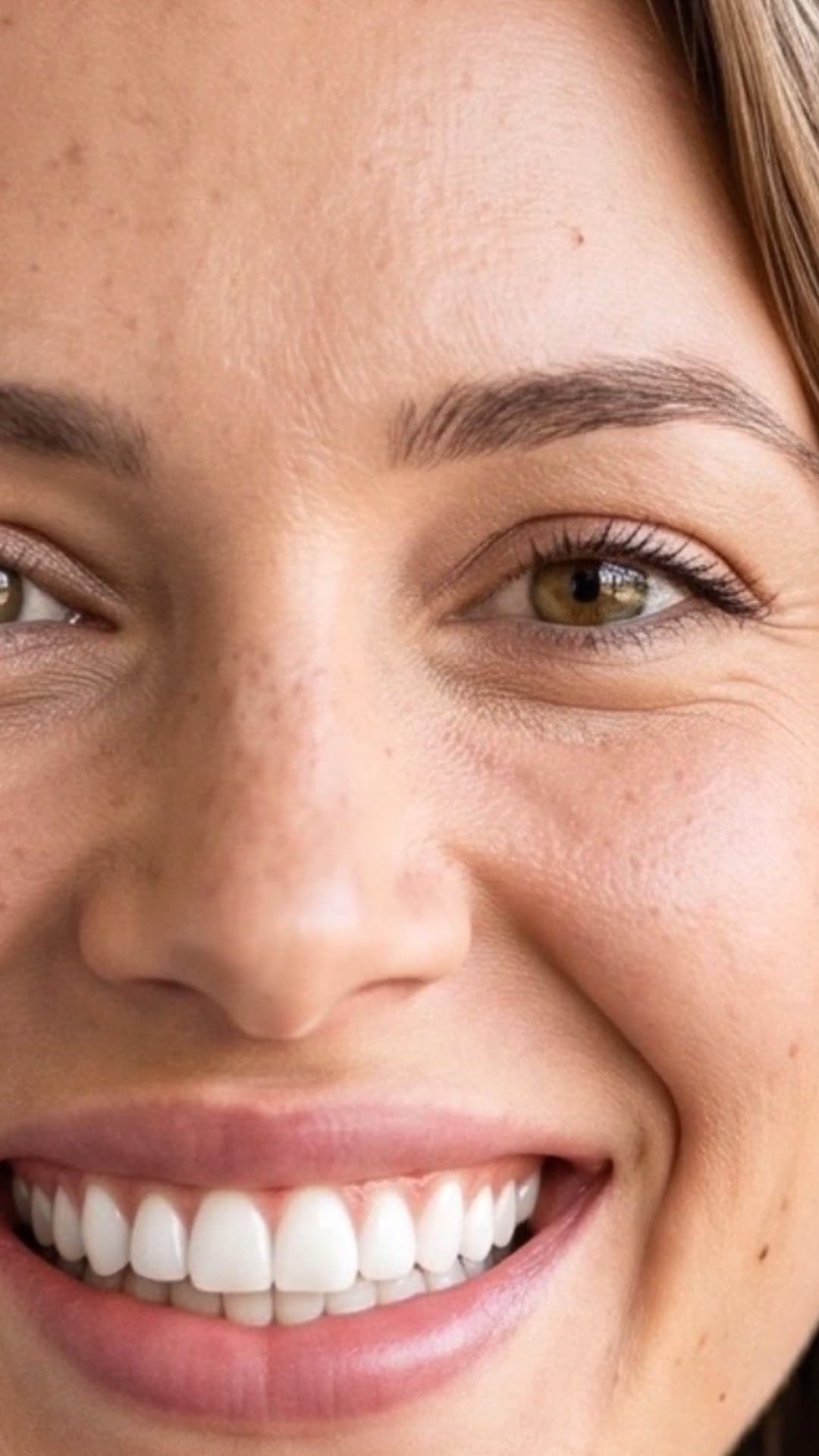
Turn your cases into videos and posts with DentalReels
Everything in this guide takes minutes with DentalReels: pick a dental template, add your before/after photos, and export a vertical HD video ready for Instagram, TikTok and YouTube. Free on iOS and Android.
Keep reading
Dental Implant Animation for Patients: A Practical Guide (2026)
How to use a dental implant animation with patients: explain the fixture, abutment and crown, run clearer consultations and post 3D implant videos that educate.
10 min read
Dental Implant Marketing: How to Attract Implant Patients (2026)
Dental implant marketing that works: implant marketing ideas, patient education, ads, consultation conversion and how to discuss financing without prices.
8 min read
Dental Reel Hooks: 40 Scroll-Stopping Openers You Can Steal
40 dental reel hooks you can copy today, grouped by format: before and after, myths, POV, questions, behind the scenes and 3D animations, plus how to film each.
8 min read
Viral Dentist Videos: 11 Patterns You Can Copy This Week
What viral dentist TikTok and Instagram videos have in common: 11 repeatable patterns, how to film each one and what to skip so views turn into patients.
9 min read